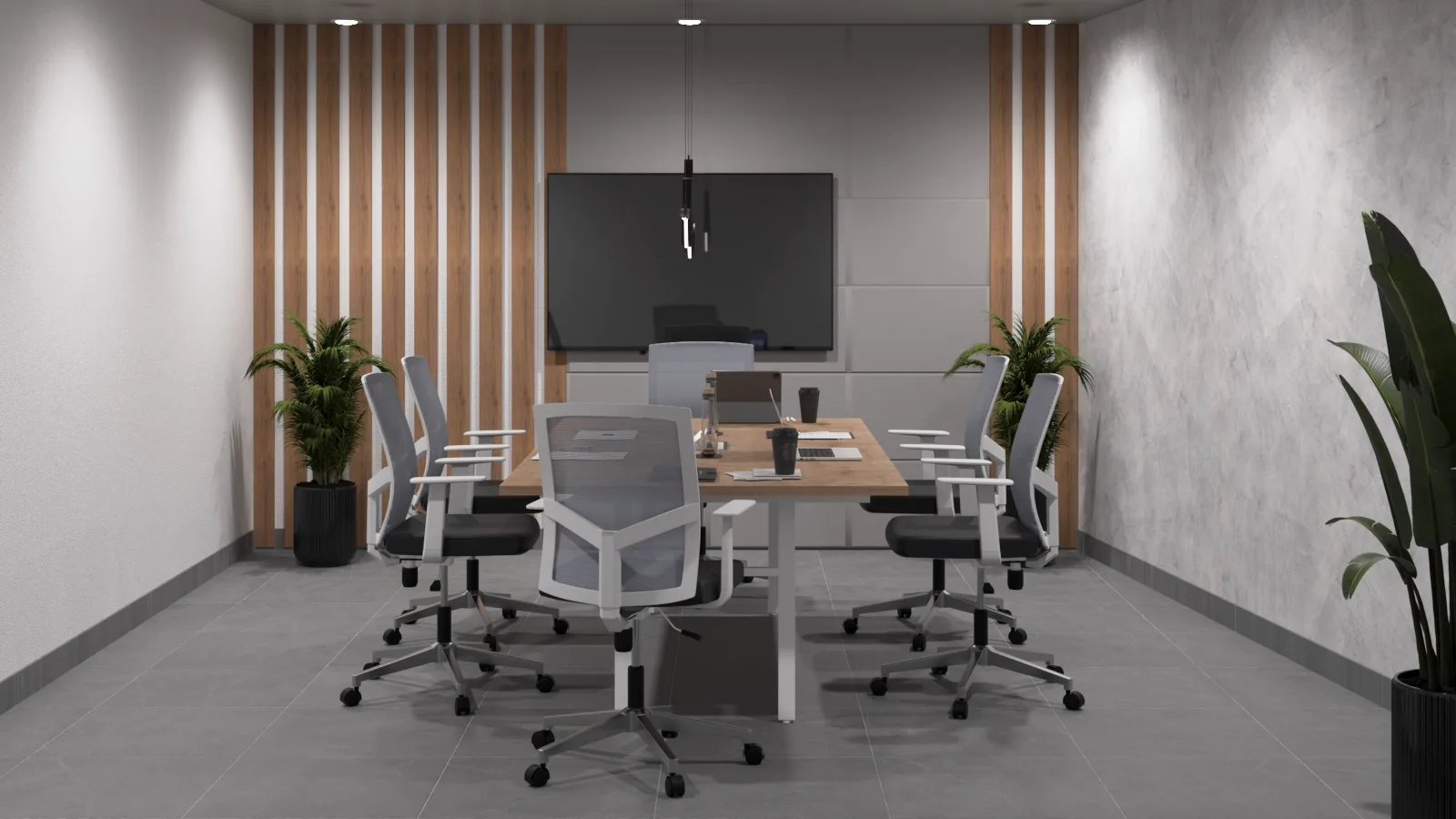
No two people have the same body. Height, leg length, shoulder width, the curve of the spine, and even the way people work all vary: some type for hours, some alternate between calls and meetings, and some lean back to read. A fixed chair with a single position forces the user to adapt to it. A chair with multidirectional adjustment does the opposite: it adapts to the person.
In this article, we explain what multidirectional adjustment means, which adjustments are worth insisting on, what benefits it brings to health and team performance, how to choose based on the type of workstation, and which mistakes to avoid when specifying seating for your office.
What Is Multidirectional Adjustment in an Office Chair?
It refers to a chair's ability to adjust across several planes and directions: up and down, forward and back, side to side, with tilt and with swivel. In practice, it means that different components (seat, backrest, armrests, headrest, and lumbar support) can be adjusted independently, so the user can find a configuration that follows their natural posture.
The more useful adjustments a chair offers, the wider the range of users it can serve well, which is especially valuable in large teams, offices with shared workstations, and areas where people of different body types work side by side.
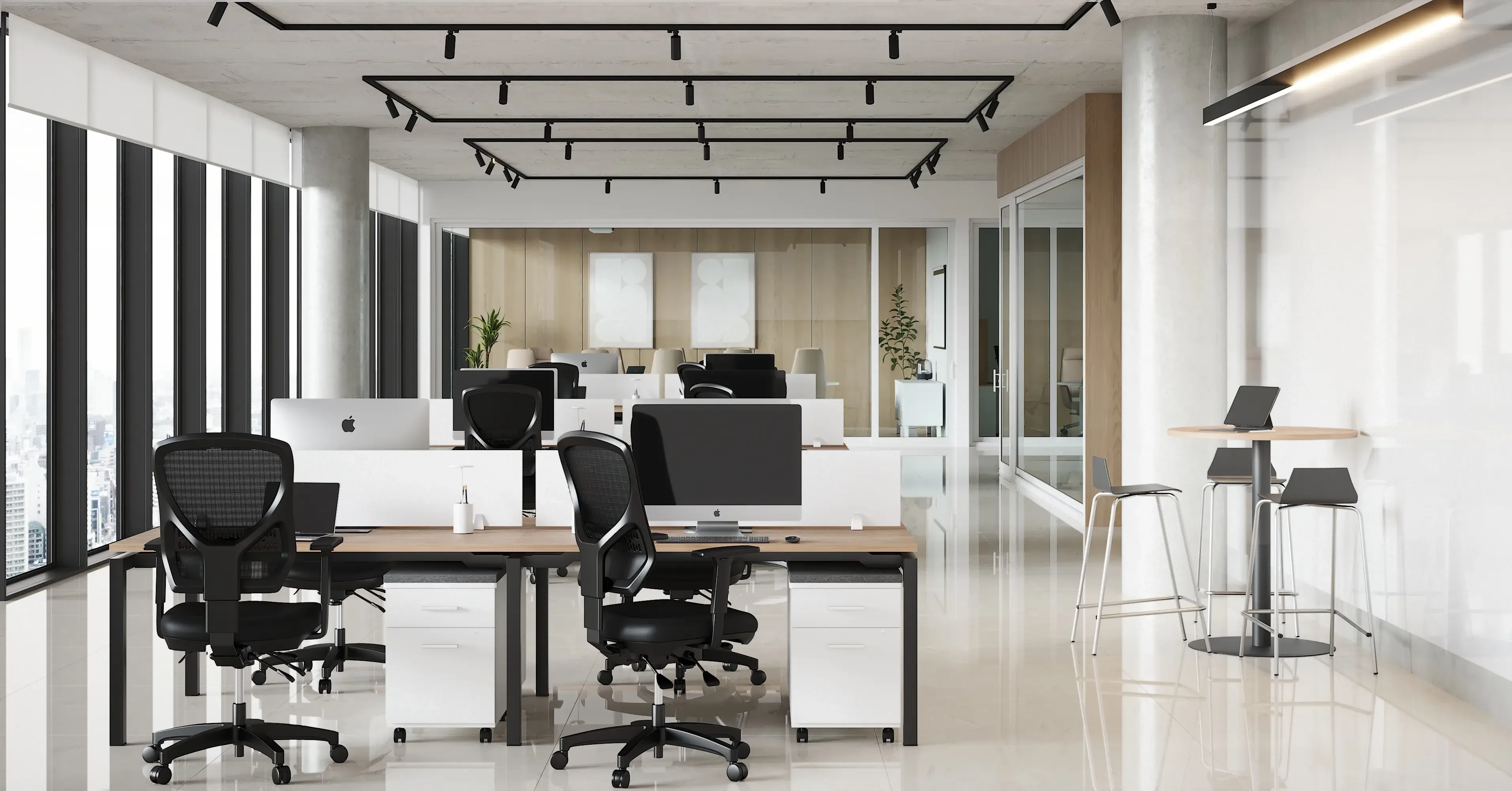
Key Adjustments It Should Offer
1. Seat Height
It lets your feet rest fully on the floor, with your knees at an angle close to 90 degrees. It's the most basic adjustment and, at the same time, the one with the greatest impact on comfort.
2. Seat Depth
It slides the seat forward or backward so that your back rests against the backrest without the edge pressing behind your knees. It's essential for users of different heights.
3. Lumbar Support
Ideally adjustable in both height and depth, to follow the natural curve of the lower back, where fatigue tends to concentrate.
4. Backrest Height and Tilt
An adjustable backrest lets you position the support exactly where each user needs it and vary the angle depending on the task.
5. 3D or 4D Armrests
They're the clearest example of multidirectional adjustment. They adjust in height, width, depth, and angle, reducing strain on the shoulders, neck, and wrists. Fixed armrests are often the cause of discomfort that users can't resolve.
6. Recline Mechanism
Synchronized mechanisms move the seat and backrest in a coordinated way, and let you lock the chosen position and adjust the tension to the user's weight.
7. Seat Tilt
It lets you change the angle of the seat to promote circulation and adapt your posture to different tasks.
8. Adjustable Headrest
On high-back chairs, a headrest adjustable in height and tilt provides neck support during breaks, reading, or long calls.
9. Swivel and Mobile Base
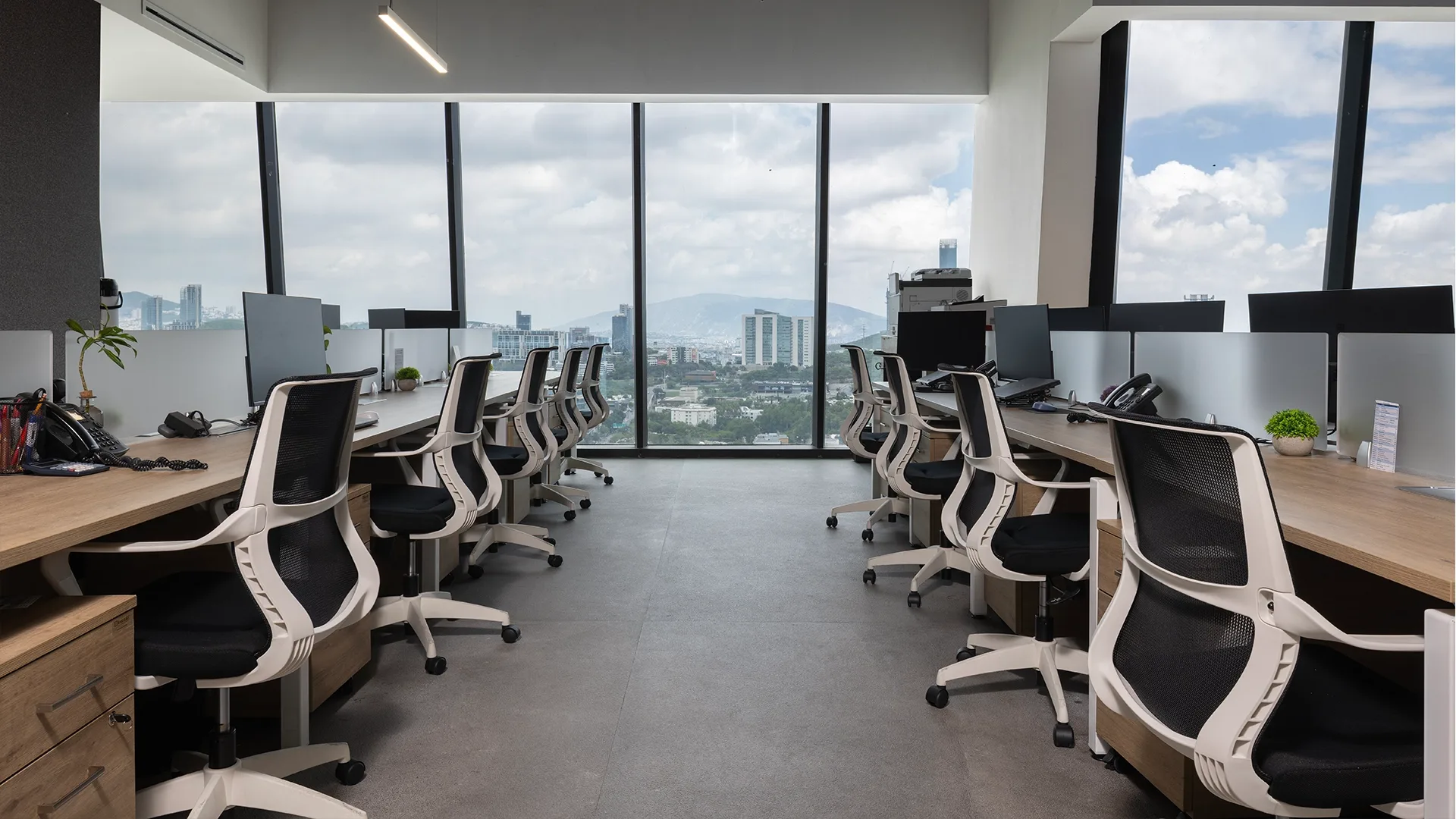
A five-point base with casters suited to the type of flooring lets you turn and move with stability, avoiding forced twisting of the torso.
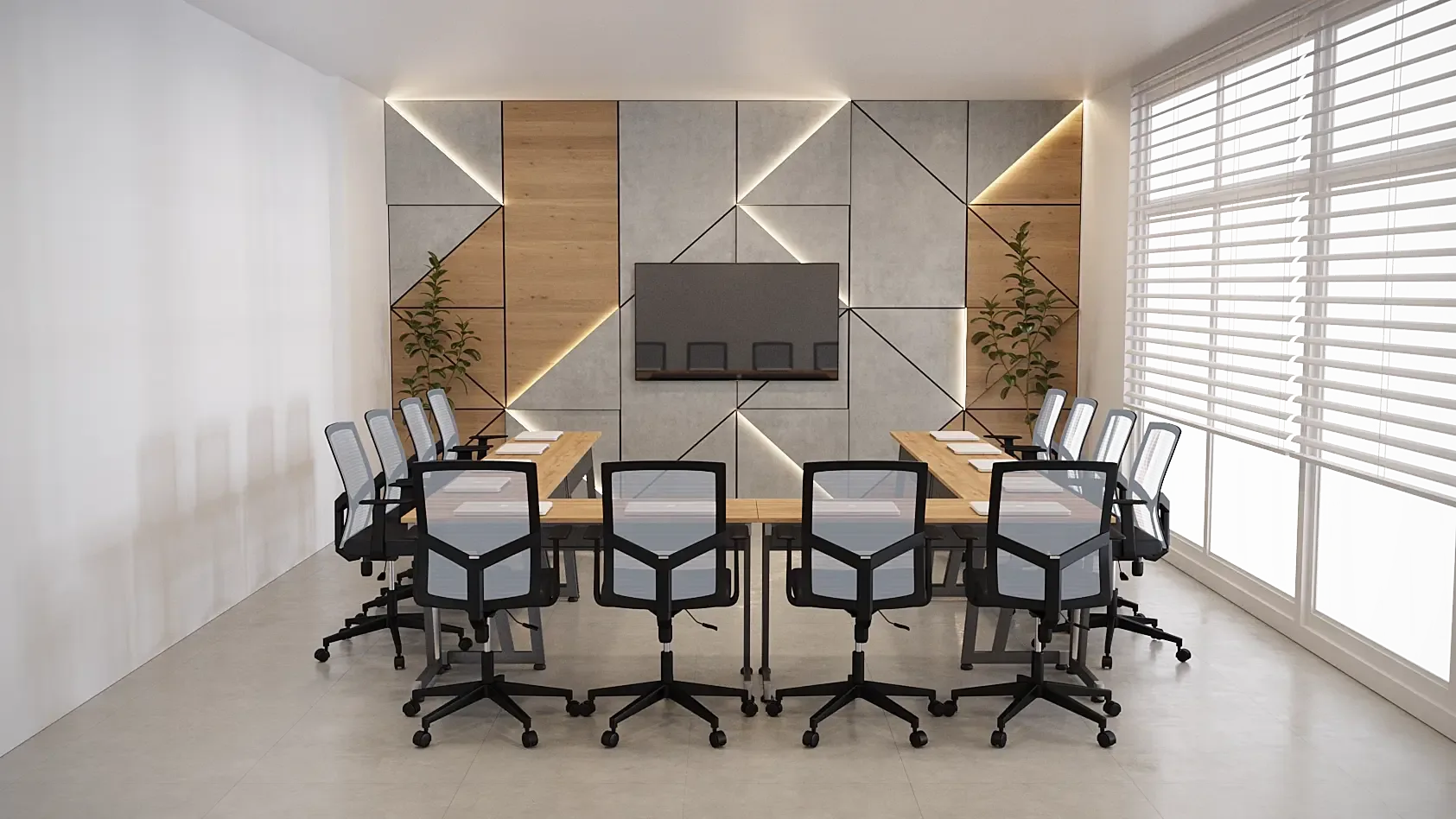
Benefits of Chairs with Multidirectional Adjustment
- Better posture: each user finds their own position, instead of forcing themselves into just one.
- Fewer muscle aches: tension in the back, neck, shoulders, and wrists is reduced.
- Greater concentration: comfort cuts down on distractions caused by discomfort.
- Longer return on your investment: if the person using the workstation changes, the chair can be readjusted without having to be replaced.
- Ideal for shared workstations: in flexible offices or shift-based setups, different people can configure it in seconds.
- Better perception of care for the team: appropriate seating reflects a culture that cares about well-being.
How to Choose Based on the Type of Workstation
- Full-time administrative work: prioritize adjustable lumbar support, seat depth, and 3D or 4D armrests.
- Creative and design areas: look for stability and good arm support for precision work with tablets and multiple screens.
- Call centers and high-turnover workstations: choose intuitive adjustments that are easy to identify and use for different users.
- Executive areas: combine full adjustability with materials and design that match the hierarchy of the space.
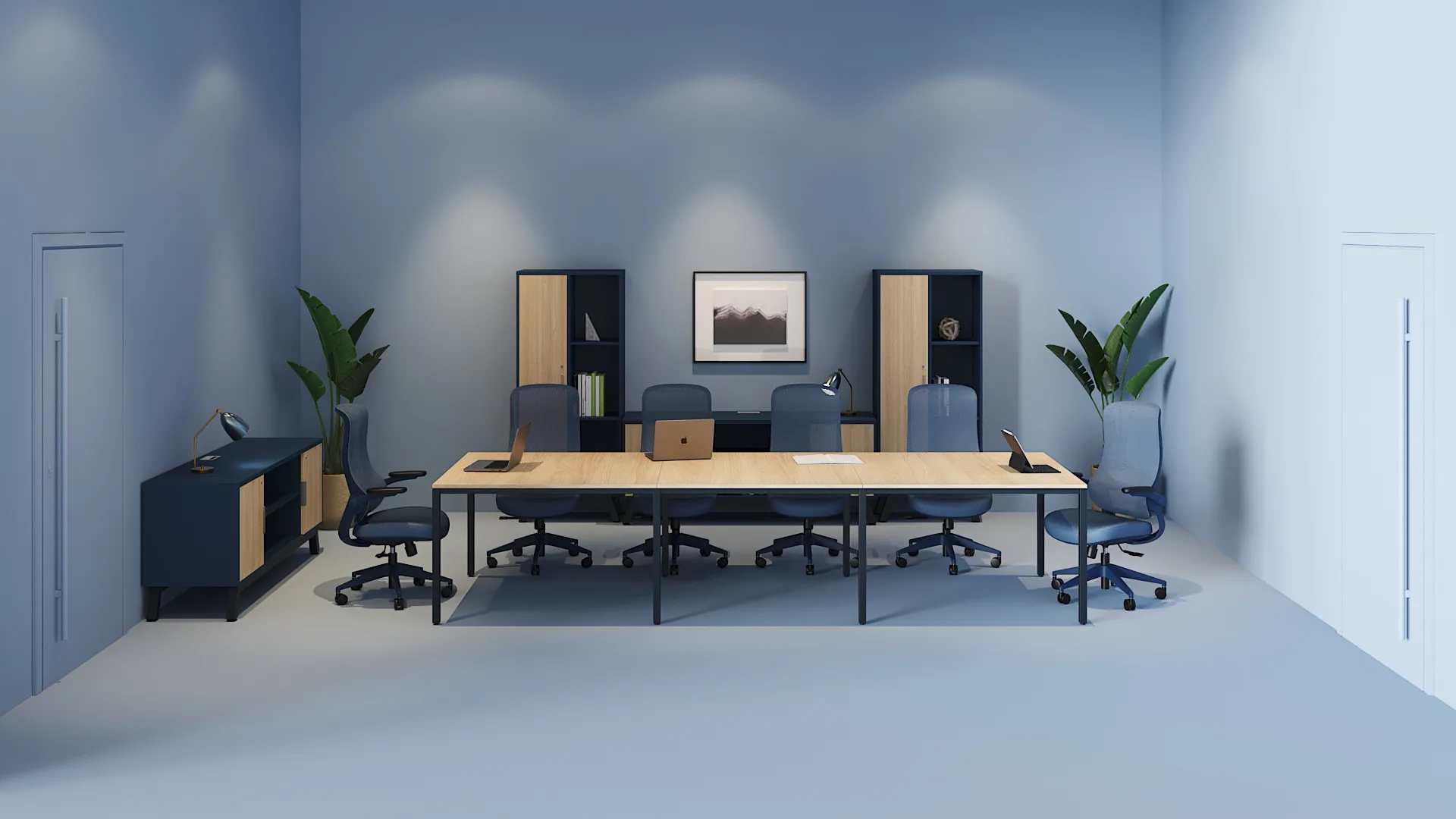
- Meeting rooms: consider comfort for mid-length sessions and essential height and recline adjustments.
Explore the available alternatives in our office chairs section.
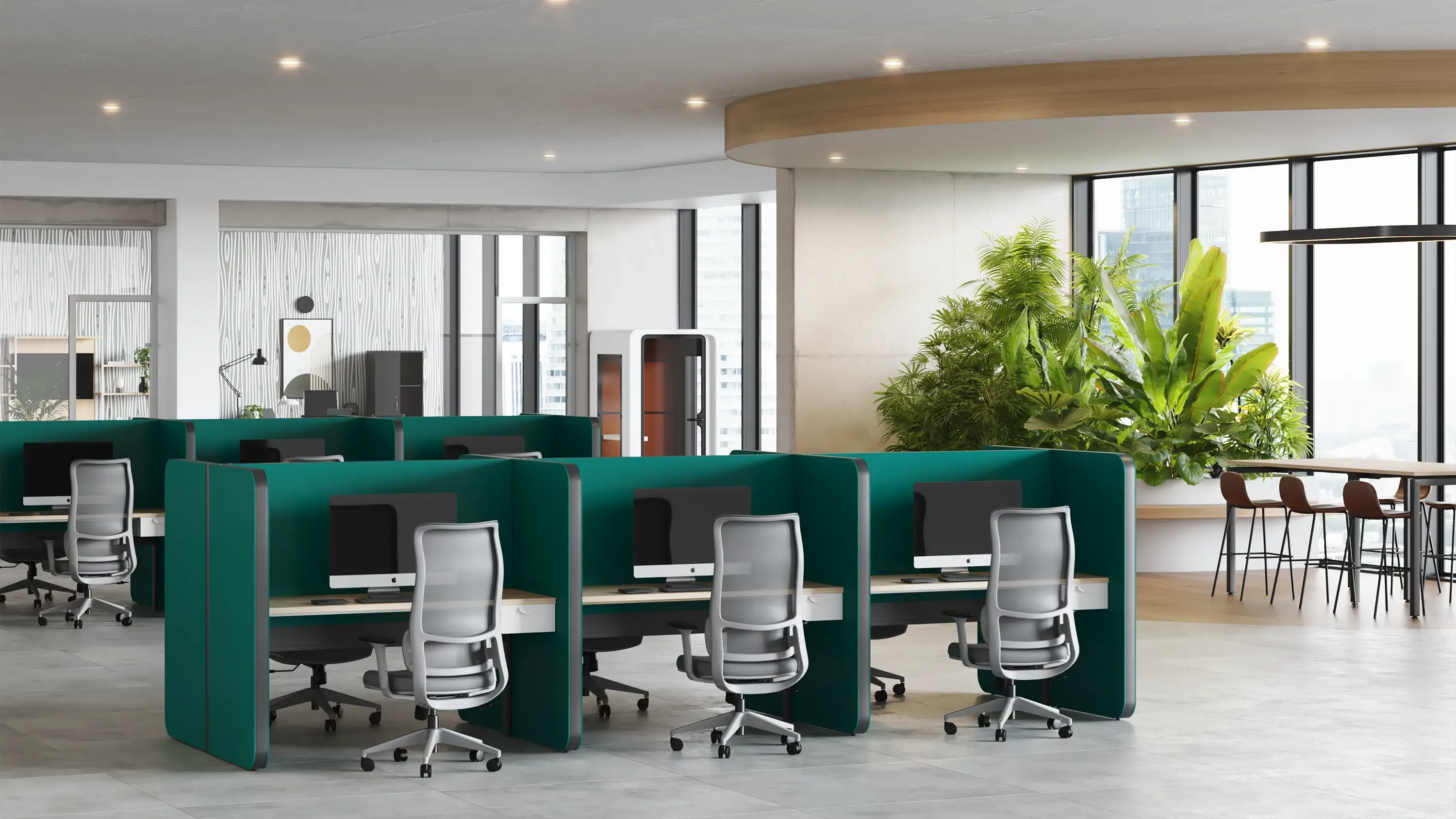
Seat and Backrest Material
Adjustments matter, but material also affects comfort. Mesh promotes ventilation and even support; upholstery adds warmth and a more formal presence. If you're unsure, read our article on upholstered chairs vs. mesh chairs. For executive areas, also see our guide to high-end executive chairs.
The Chair as Part of the Work System
Multidirectional adjustment performs at its best when the rest of the workstation supports it:
- A desk at the right height, with free space for the legs. Discover our desks and our guide to ergonomic desks.
- A monitor at eye level, to avoid bending the neck.
- Keyboard and mouse within reach, without stretching the arms or straining the wrists.
- Consistent workstations in height and proportions. Check out our workstations.
To dig deeper into posture, read our article on chairs that improve posture while you work.
How to Properly Adjust a Multidirectional Chair
- Seat height: feet firmly on the floor, knees close to 90 degrees.
- Depth: leave a gap of about two to three fingers between the edge of the seat and the back of your knees.
- Lumbar support: align it with the curve of your lower back.
- Backrest: adjust the angle so your back stays supported without feeling rigid.
- Armrests: at a height where your shoulders relax and your elbows form an angle close to 90 degrees.
- Recline tension: the backrest should follow your movement without dropping abruptly or offering too much resistance.
- Periodic review: readjust when the task, your footwear, or the desk changes.
Common Mistakes When Choosing Adjustable Chairs
- Believing that more levers means a better chair. What matters is the quality and usefulness of each adjustment, not how many there are.
- Not training the team. Many features go unused out of unfamiliarity; a brief explanation makes all the difference.
- Choosing a single model without considering the physical diversity of the team. It's worth validating with users of different heights.
- Overlooking the armrests. Fixed ones limit adaptation and cause shoulder strain.
- Not testing before buying in volume. A pilot with samples avoids costly decisions.
- Ignoring the quality of the mechanisms. An adjustment that loses firmness over time stops doing its job.
- Neglecting compatibility with the desk. Incompatible heights cancel out the benefits.
- Deciding on price alone. A basic chair that loses its adjustment or wears out quickly ends up costing more in the medium term.
Maintenance to Preserve the Adjustments
- Periodically check levers, mechanisms, and hardware.
- Clean according to the material, using appropriate products.
- Check the condition of the casters and base.
- Avoid loads or uses beyond the stated capacity.
- Replace worn parts before they compromise safety.
How Línea Italia Can Help
At Línea Italia, we design, manufacture, and install corporate furniture with a comprehensive view of the space. Our team analyzes how your organization works, advises you on defining the right seating for each area, and coordinates it with desks, storage, and partitions within a single project, from 3D visualization through installation and delivery.
Learn about our process in space design, explore our corporate furniture collections, and see real cases in our projects section.
Conclusion
Office chairs with multidirectional adjustment are one of the most worthwhile investments in well-being and performance: they adapt to each person, reduce discomfort, and stay useful even when the users change. The key is to demand adjustments that are genuinely useful, test before deciding, train the team, and think of the chair as part of a complete workstation.
Want every person on your team to work comfortably? Request a proposal from our team of specialists and find the ideal seating for your office.