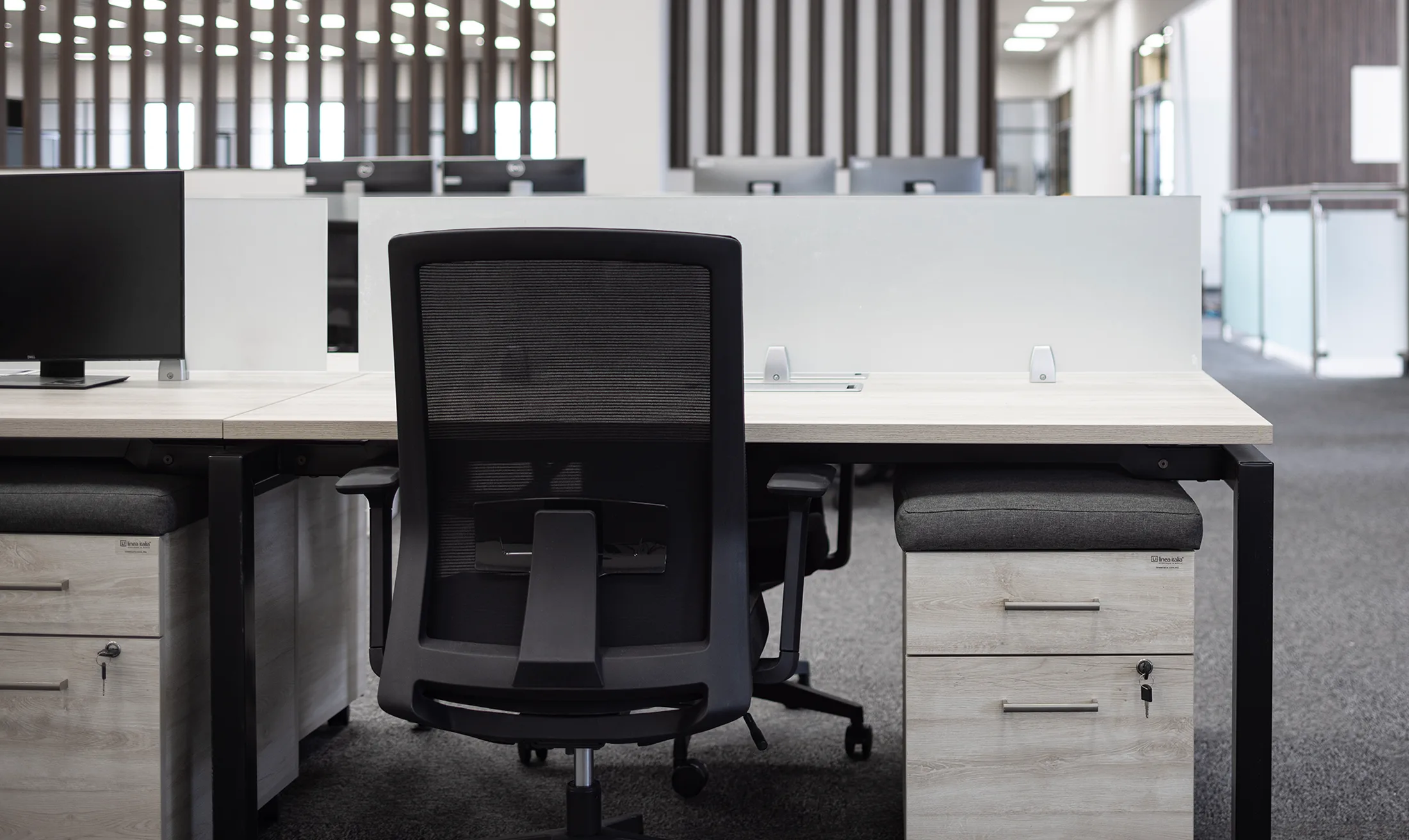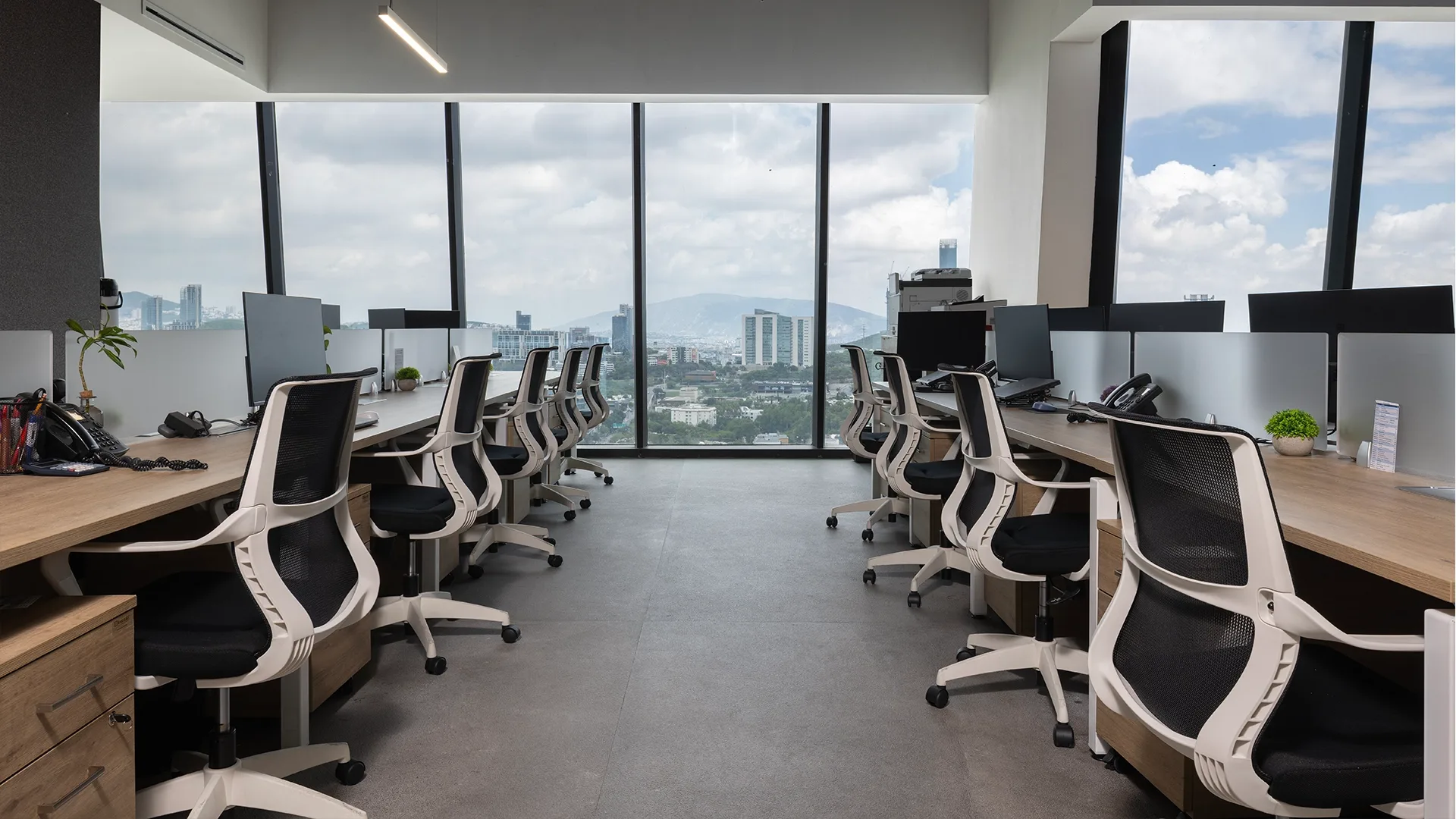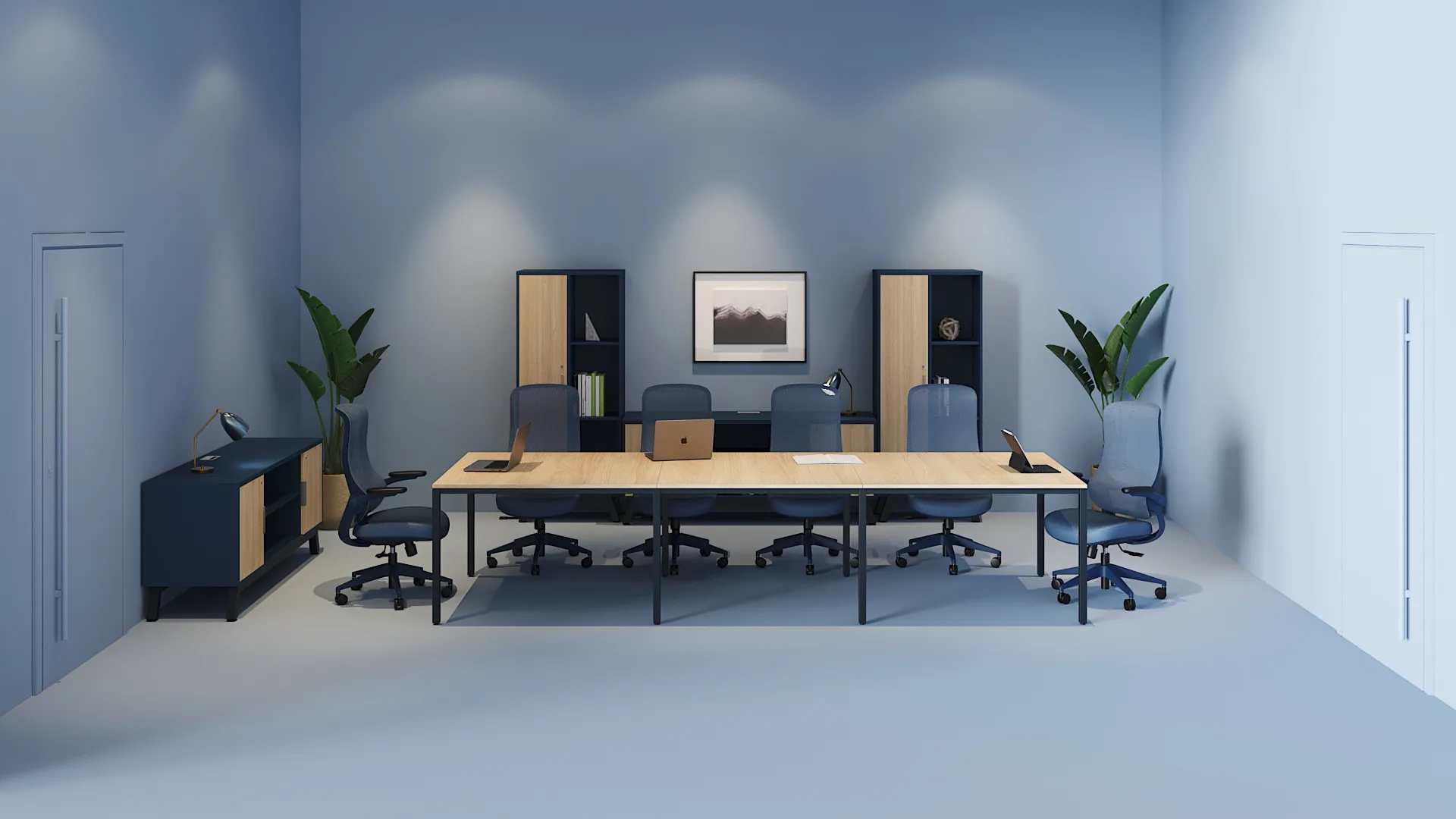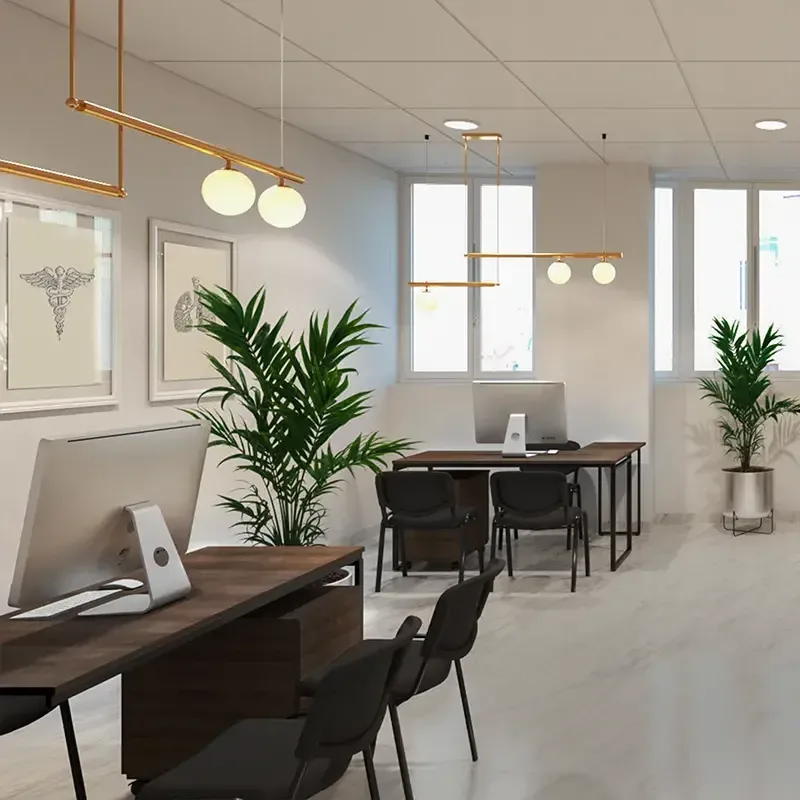
Spending long hours seated at a desk is the norm in most workplaces today. Yet few companies truly grasp the impact that seating has on their team's postural health. Back pain, neck tension, shoulder fatigue, and lower back discomfort are not inevitable consequences of office work: in many cases, they are the direct result of using chairs that are poorly designed or poorly adjusted for the user.
Choosing chairs to improve posture at work is not a luxury or an aesthetic detail: it is a decision that directly affects the health, focus, and productivity of any team. In this article, we explain what features a chair truly designed for good posture should have, how to recognize a well-made ergonomic design, and which mistakes to avoid when choosing seating for your office.
Why Is Posture at Work a Top Priority?
Maintaining poor posture for several hours a day, sustained over months or years, can lead to health problems ranging from mild discomfort to chronic conditions: lower back pain, neck tension, eye strain associated with forced postures, and even circulatory issues caused by inadequate movement.
For companies, this isn't just an employee wellness issue: sustained poor posture translates into absenteeism, reduced focus, accumulated fatigue, and, as a result, lower productivity. Investing in the right seating is, in that sense, a direct investment in your team's performance.
Features a Chair Should Have to Improve Posture
1. Adjustable Lumbar Support
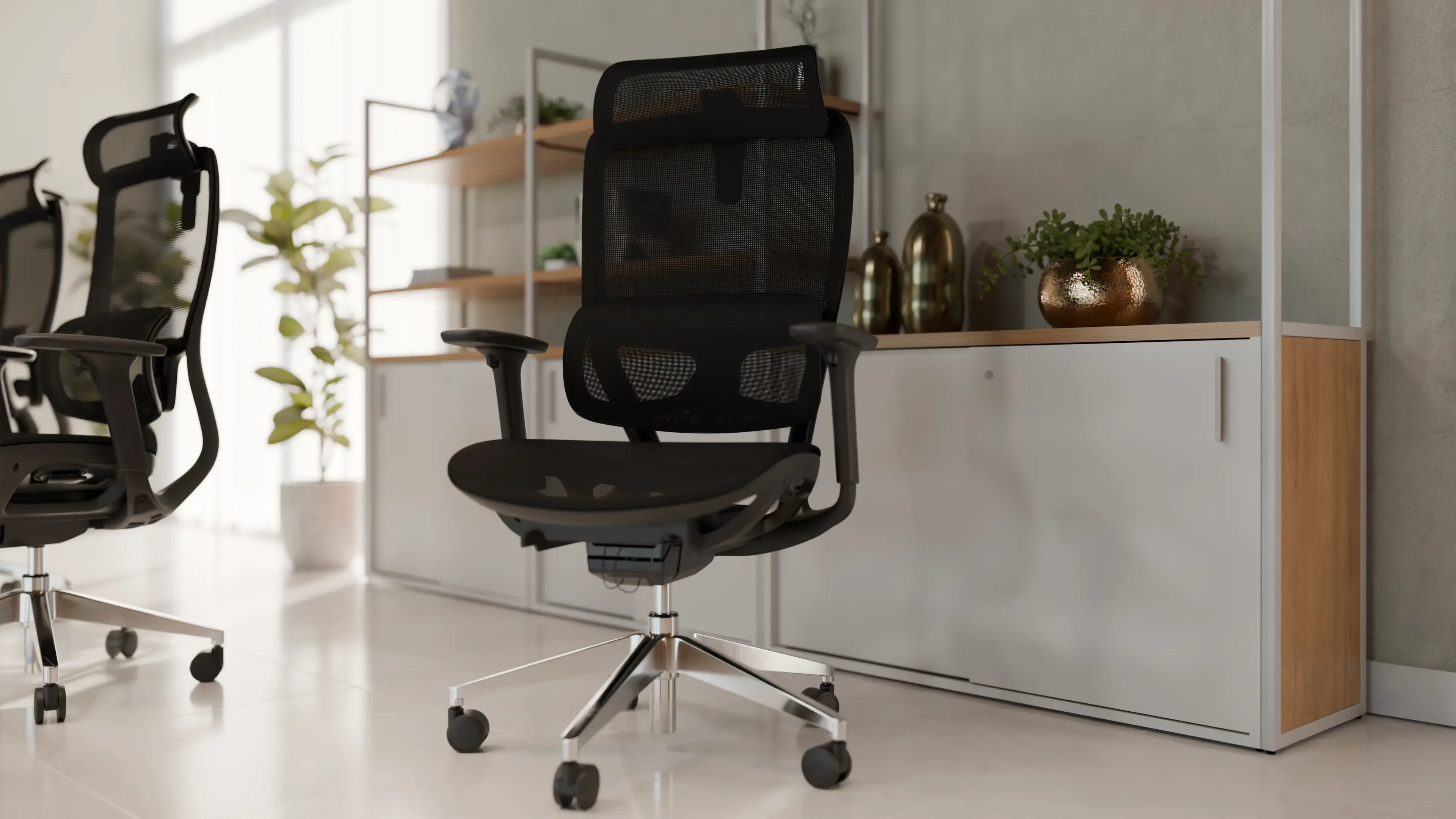
Lumbar support is arguably the most important element of an ergonomic chair. The lower back tends to lose its natural curve after hours of sitting, creating progressive tension. A chair with lumbar support that adjusts in both height and depth lets you fit the backrest to each user's specific curvature, instead of offering generic support that doesn't suit every body equally.
2. Adjustable Seat Height
Chair height should allow the user's feet to rest flat on the floor, with knees bent at an angle close to 90 degrees. A chair that is too high or too low forces the back to compensate, creating unnecessary strain.
3. Adjustable Seat Depth
Not everyone has the same thigh length. A chair with adjustable seat depth allows the back to rest fully against the backrest without the edge of the seat pressing into the back of the knees, a common problem that affects circulation during long workdays.
4. Adjustable Armrests
Armrests should adjust in height and, on more complete models, in depth and angle as well. Their purpose is to reduce tension in the shoulders and neck, allowing the arms to rest in a natural position while working at the keyboard.
5. Recline Mechanism with Locking
A good recline mechanism lets users change positions throughout the day, alternating between a more upright posture for focused tasks and a more reclined position for reading or phone calls. Locking at multiple angles keeps the chair from moving unintentionally during use.
6. Ergonomically Contoured Backrest
The backrest should follow the natural curve of the spine, providing support in both the lumbar region and the mid-back, without creating isolated pressure points.
7. Seat and Backrest Material
The choice between upholstered and mesh directly affects postural comfort, especially over long workdays. Each material has specific advantages depending on the type of use and the climate of the workspace; you can dive deeper into this comparison in our article on office chairs
8. Stable Base and Appropriate Casters
A five-point base with casters suited to the type of flooring (carpet or hard floor) ensures stability and freedom of movement without compromising user safety.
Proper Desk Posture: Beyond the Chair
Although the chair is a central component, proper posture depends on the relationship between several elements of the workstation:
- Desk height: it should allow the forearms to form an angle close to 90 degrees while typing, without raising the shoulders.
- Monitor distance and height: the top of the screen should be roughly at eye level, to avoid sustained downward or upward neck flexion.
- Keyboard and mouse position: they should be placed at a distance that doesn't force you to stretch your arms or keep your wrists at awkward angles.
In other words, an ergonomic chair works together with a good ergonomic desk, not in isolation. Both elements should be evaluated as part of the same work system.
Seating for Different Work Profiles
Not every job requires the same type of chair. Some general recommendations:
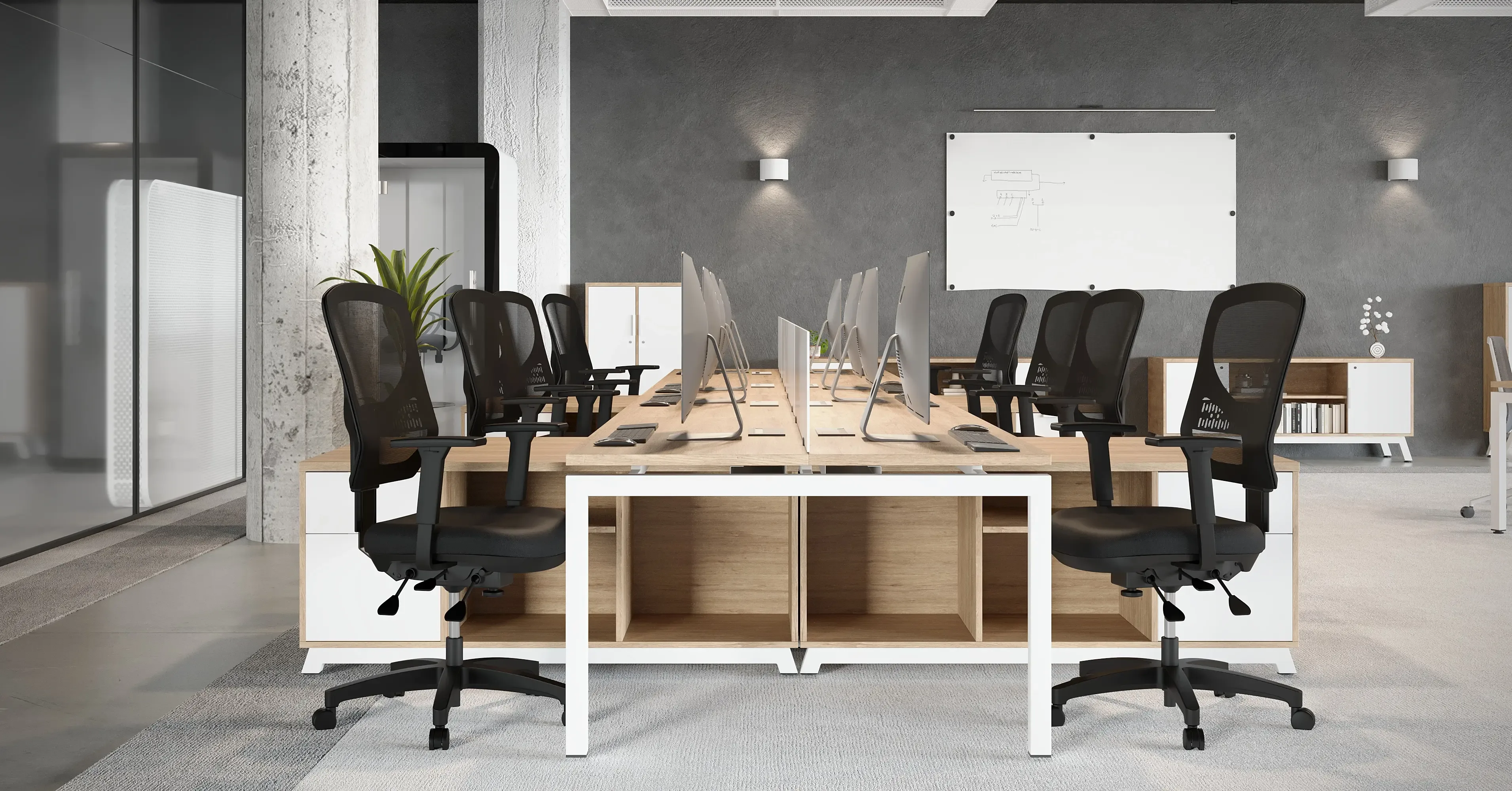
- Full-time administrative and operational work: chairs with lumbar, seat height, and seat depth adjustments, prioritizing sustained support over many hours.
- Executive areas: chairs with greater visual presence and comfort, without losing essential ergonomic adjustments.
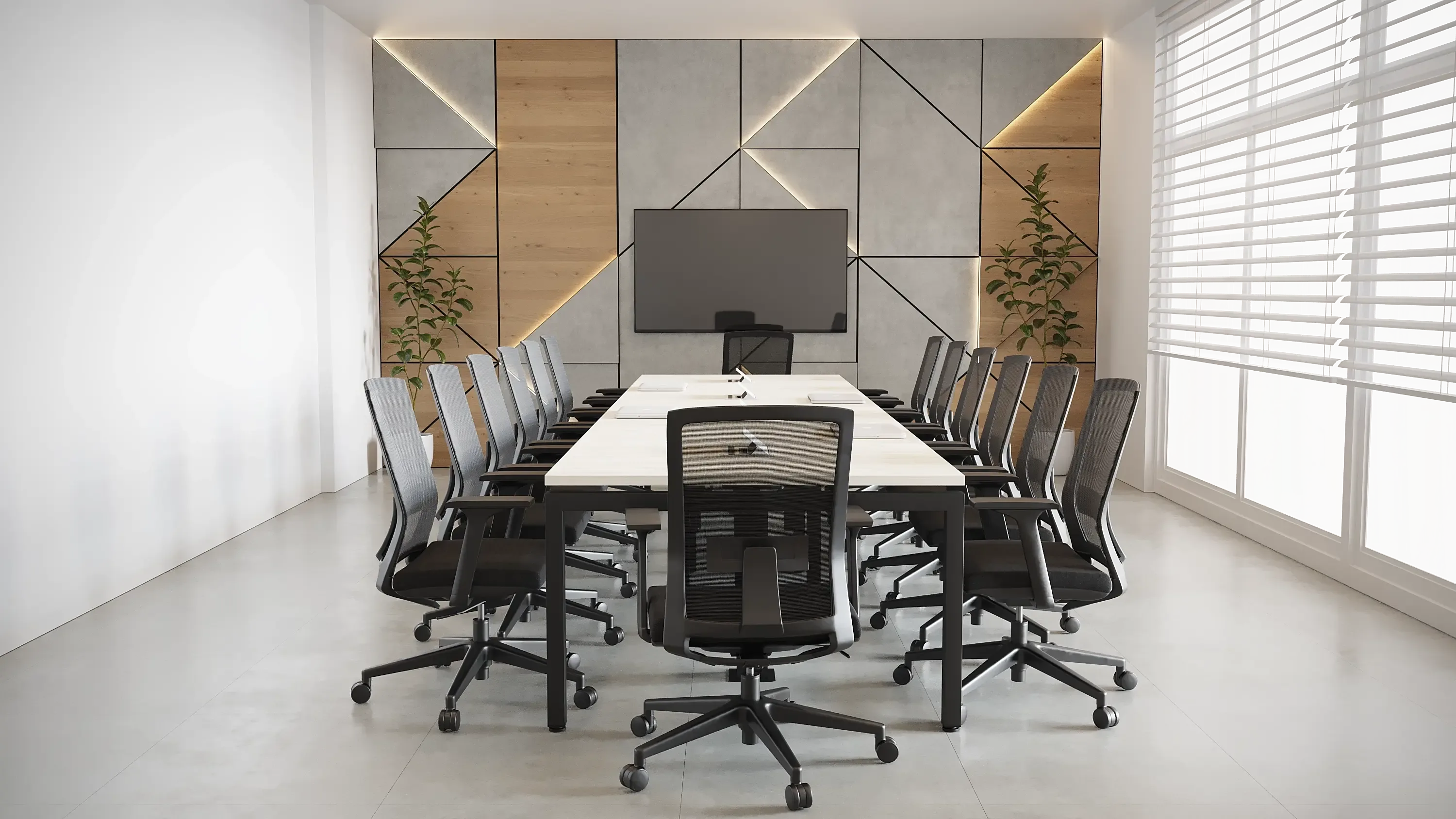
- Conference rooms: chairs with good support for medium-length sessions, prioritizing comfort without needing all the technical adjustments of a task chair.
- High-turnover spaces, such as shared rooms or coworking areas: chairs with intuitive adjustments that are easy for different users to change throughout the day.
Explore the different options available in our office seating section.
Signs That Your Office Seating Isn't Supporting Your Team's Posture
- Employees who regularly report back or neck pain.
- People who constantly shift their posture or use improvised cushions for lumbar support.
- Chairs with no height, depth, or armrest adjustment.
- Visibly worn chairs with mechanisms that no longer lock properly.
- A lack of size options or adjustments to accommodate different body types within the same team.
Common Mistakes When Choosing Chairs to Improve Posture
- Choosing for looks without verifying the actual ergonomic adjustments. A chair can look modern and still lack adjustable lumbar support or adjustable depth.
- Not training the team on how to adjust their chairs. Many ergonomic chairs aren't used properly because users don't know how to operate their various mechanisms.
- Buying a single model for the whole team without considering physical differences. Ergonomics isn't one-size-fits-all: different bodies require different adjustments.
- Ignoring the relationship between chair and desk. An excellent chair can't make up for a desk at the wrong height, and vice versa.
- Putting off replacing worn seating. Support mechanisms lose effectiveness over time; a deteriorated chair can stop doing its ergonomic job even if it still looks good.
How Línea Italia Can Help You Improve Your Team's Posture
At Línea Italia, we offer seating options designed for different work profiles, prioritizing adjustable lumbar support, suitable materials, and consistency with the rest of your office furniture system. Our team can help you identify the right desk-and-chair combination based on your team's real needs.
Explore our corporate furniture collections and see projects where we've outfitted entire offices with a focus on their teams' postural well-being in our projects section.
Conclusion
Improving posture at work doesn't depend on a single adjustment, but on a chair designed from the ground up to fit the human body: lumbar support, height, depth, armrests, and recline mechanism are elements that should be evaluated together, and always in combination with a properly sized desk and workstation.
Want to improve your team's postural well-being? Request a proposal from our team of specialists and discover the ideal seating for your office.